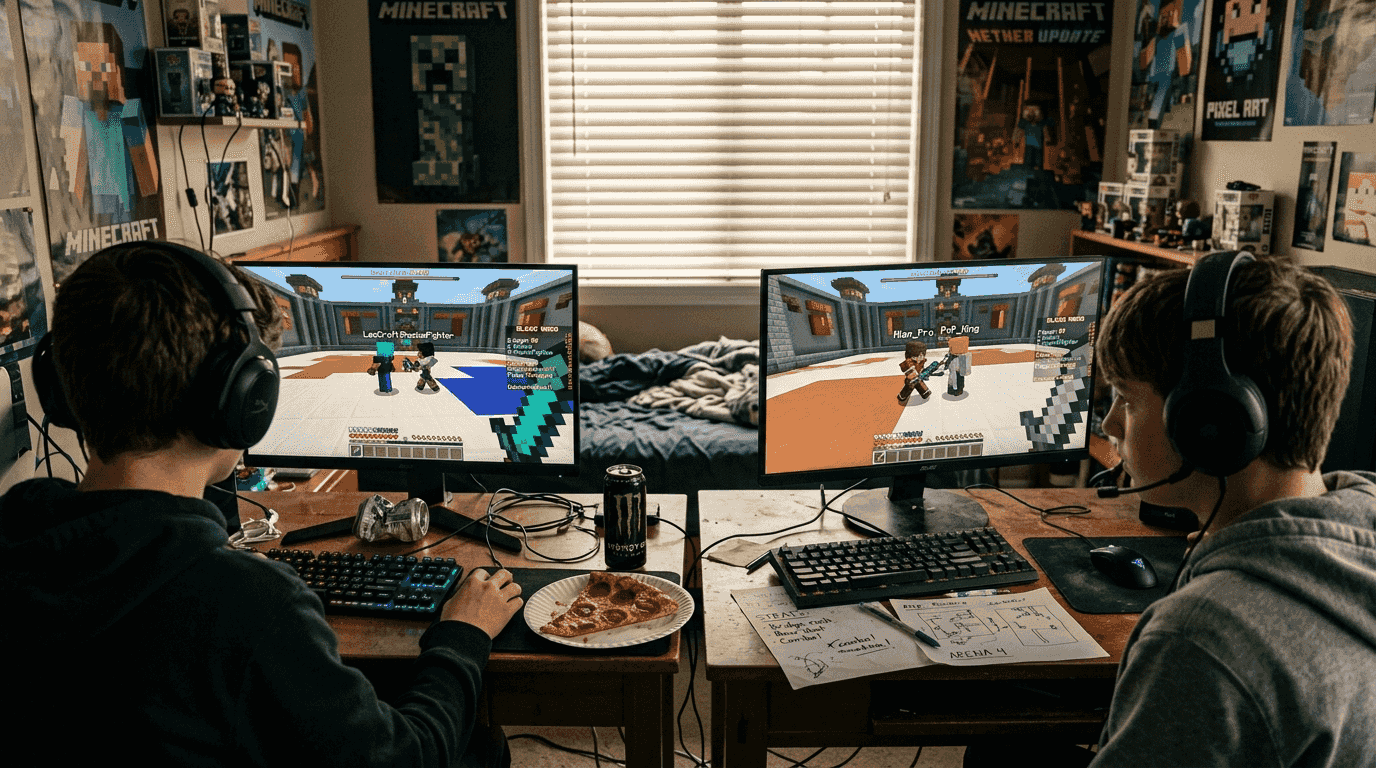
Choosing the right PvP server idea for your Minecraft community can feel overwhelming. Server admins in 2026 face constant pressure to deliver lag-free combat experiences while keeping players engaged through fresh mechanics and competitive features. The wrong choice leads to frustrated players, empty lobbies, and wasted development time. This article cuts through the noise with a curated list of proven PvP server ideas backed by performance data and community feedback. You'll discover the essential criteria for evaluating server setups, explore detailed examples of high-performing configurations, and learn practical strategies to match ideas with your community's needs and hardware capabilities.
Table of Contents
- Key Criteria For Selecting The Best PvP Server Ideas
- Top PvP Server Ideas To Enhance Gameplay In 2026
- Comparing Popular PvP Server Setups: A Quick Glance
- Making The Right PvP Server Choice For Your Community
- Explore Premium Minecraft PvP Plugins And Tools
- Frequently Asked Questions About PvP Server Ideas
Key takeaways
| Point | Details |
|---|---|
| Performance optimization prevents lag | Pre-generating maps and using asynchronous processes keeps combat smooth during peak player loads. |
| Customization drives engagement | Advanced kit editors and diverse arena configurations give players reasons to return daily. |
| Hardware choices matter significantly | Single-core CPU speed outweighs core count for Minecraft server performance in PvP environments. |
| Security protects your investment | DDoS protection and proper network configuration prevent disruptions that destroy community trust. |
| Continuous optimization ensures longevity | Server performance degrades over time without regular monitoring and configuration adjustments. |
Key criteria for selecting the best PvP server ideas
Performance optimization sits at the foundation of every successful PvP server. Pre-generating map chunks significantly reduces server load during initial player exploration, preventing the lag spikes that ruin competitive matches. Asynchronous world regeneration keeps arena resets invisible to players, maintaining the flow of rapid-fire duels. Your server software configuration directly impacts tick rates, entity processing, and combat responsiveness.
Customization options separate memorable servers from forgettable ones. Players crave variety in combat scenarios, from classic sword duels to crystal-based mechanics that reward precise timing. Kit editors let communities develop their own meta, creating organic competition as players experiment with loadout combinations. Practice arenas with AI opponents give newcomers safe spaces to develop skills before facing real competitors. Spectator systems turn skilled players into content creators, building hype around your server through organic streaming and video production.
Scalability determines whether your server survives its own success. A setup that handles 20 concurrent players beautifully might collapse under 100. Single-core performance proves more critical than core count, with a 4-core processor at 3.5GHz outperforming an 8-core at 2.8GHz for Minecraft workloads. Network location affects latency for your player base, so geographic positioning matters as much as raw bandwidth. DDoS protection isn't optional anymore. A single attack can scatter your community permanently.
Pro Tip: Test your chosen setup under simulated load before announcing launch dates. Spawn 50 AI entities in your smallest arena and monitor tick times to identify bottlenecks early.
Top PvP server ideas to enhance gameplay in 2026
Crystal PvP Setup offers custom-built arenas, advanced kit configuration, and AI practice duels that optimize the combat experience for competitive communities. This configuration focuses on the popular crystal combat mechanic where players use end crystals as explosive weapons, demanding precise placement and timing. The setup includes multiple arena templates with varying terrain complexity, from flat obsidian platforms to natural cave systems that reward positional awareness. Kit editors let admins balance crystal damage, armor durability, and respawn anchor mechanics to create unique combat metas.
The async regeneration system stands out as a performance game changer. When a match ends, the arena resets in the background without freezing the server or disrupting other active duels. This approach handles 10+ simultaneous matches without tick rate degradation. AI practice opponents use pathfinding algorithms that mimic human crystal placement patterns, giving solo players meaningful training between ranked matches. Spectator cameras with smooth transitions turn every duel into a potential highlight reel for your community's content creators.
StrikePractice delivers a comprehensive PvP practice plugin with features spanning 1v1, 2v2, bot fights, and automated event support that scales from small communities to network-sized deployments. The modular architecture lets you enable only the game modes your community actually wants, reducing configuration complexity and server overhead. Queue systems with ELO-based matchmaking ensure competitive balance, preventing new players from facing veterans in their first matches.
Kit variety defines StrikePractice's appeal. Beyond standard sword and axe configurations, it supports custom potion effects, projectile modifications, and even hybrid kits that blend multiple combat styles. The event automation system schedules tournaments, king-of-the-hill battles, and free-for-all melees without admin intervention. Leaderboards with configurable time windows create mini-seasons that reset monthly, giving everyone fresh chances at top rankings. Spectator mode includes first-person perspectives and cinematic camera paths that make watching matches as engaging as playing them.
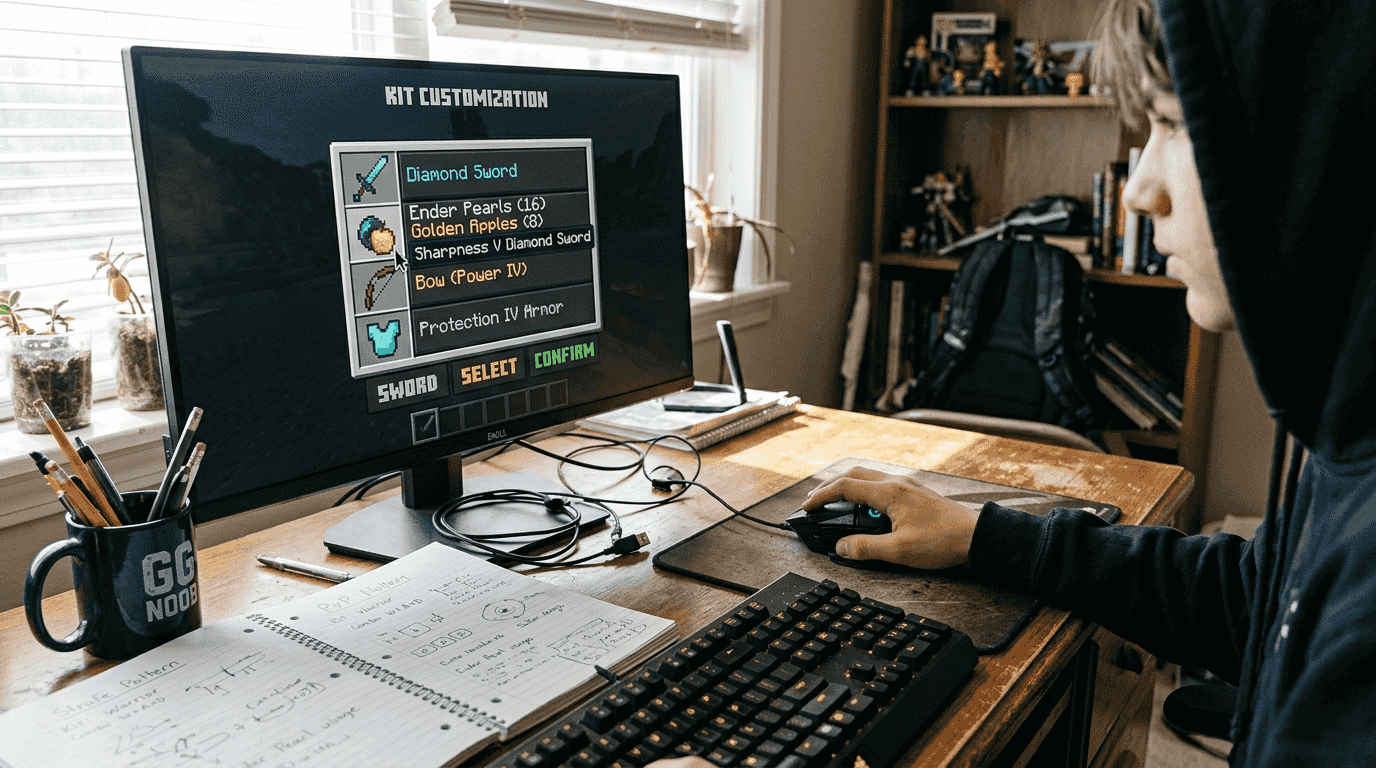
Advanced PvP Practice Server setups prioritize player skill improvement through focused training modes and granular performance optimization. These configurations typically combine multiple specialized plugins rather than relying on all-in-one solutions, trading ease of setup for maximum customization. Combo counters display hit sequences in real time, helping players refine their attack patterns. Damage indicators show exact numbers for each strike, turning combat into a measurable skill rather than guesswork.
Comparing popular PvP server setups: a quick glance
| Setup Type | Performance Level | Kit Customization | Arena Variety | Best For |
|---|---|---|---|---|
| Crystal PvP Setup | High (async regen) | Advanced editor | Multiple templates | Crystal combat specialists |
| StrikePractice | Very High (modular) | Extensive presets | 10+ game modes | General practice servers |
| Advanced Practice | Variable (plugin-dependent) | Maximum flexibility | Custom-built only | Experienced admins |
| Basic Duel Plugin | Moderate | Limited presets | Single arena type | Small communities |
| Network-Scale Solution | Extreme (distributed) | API-driven | Unlimited | Large networks |
The performance level reflects how each setup handles concurrent matches under typical hardware constraints. Crystal PvP Setup's async regeneration gives it an edge in arena-focused scenarios, while StrikePractice's modular design prevents unnecessary feature overhead. Advanced Practice setups achieve variable performance because they depend entirely on your plugin selection and configuration expertise. A well-tuned advanced setup outperforms everything else, but requires significant technical knowledge to optimize properly.
Kit customization depth determines how much your community can shape the combat meta. StrikePractice provides the widest range of pre-built options, letting you deploy diverse game modes quickly. Crystal PvP Setup focuses its customization on crystal-specific mechanics, offering deep control in that niche. Advanced Practice configurations theoretically offer unlimited customization, but you'll need to integrate multiple plugins and resolve compatibility issues yourself.
Pro Tip: Start with StrikePractice for rapid deployment, then migrate to an advanced custom setup once you've identified exactly which features your community values most through actual usage data.
Making the right PvP server choice for your community
Assess your current player base size and hardware resources before committing to any setup. A community of 20 active players doesn't need network-scale infrastructure, and oversized solutions waste resources on features nobody uses. Calculate your peak concurrent player count from the last 30 days, then multiply by 1.5 to account for growth. This number determines your minimum hardware requirements and helps you avoid configurations that promise features your server can't actually deliver.
Continuously monitor and optimize your server to maintain performance as your community grows. Optimization isn't a one-time task but an ongoing effort, since workload increases over time even with the same player count. Install monitoring plugins that track tick times, entity counts, and chunk loading patterns. Set up alerts for when tick rates drop below 19 TPS so you can investigate issues before players notice lag. Review your plugin list monthly and remove anything that isn't actively used.
Prioritize these hardware and network factors for optimal PvP performance:
- Single-core CPU speed above 3.5GHz for responsive combat calculations
- Minimum 8GB RAM with 4GB allocated to the server process
- NVMe SSD storage to eliminate world loading bottlenecks
- Network location within 50ms latency of your primary player base
- Dedicated IP address for proper DNS configuration and DDoS protection
DDoS protection remains non-negotiable for PvP servers to prevent community disruption from malicious attacks. Competitive environments attract players who resort to attacks when they lose matches. A single successful DDoS can scatter your community to competitor servers permanently. Choose hosting providers with built-in DDoS mitigation at the network level, not just application-layer protection. Test your provider's response time by submitting a support ticket and measuring how quickly they respond to technical questions.
"The difference between a thriving PvP server and an empty one often comes down to consistent performance during peak hours. Players forgive missing features, but they won't forgive lag during clutch moments." — Experienced Minecraft server administrator
Match your setup choice to your technical expertise honestly. StrikePractice suits admins who want reliable performance without deep configuration knowledge. Crystal PvP Setup appeals to communities focused on a specific combat style. Advanced custom configurations reward technical expertise with maximum flexibility but demand significant time investment. Your first choice doesn't lock you in permanently. Many successful servers start simple and gradually migrate to more complex setups as their communities grow and their requirements become clearer.
Explore premium Minecraft PvP plugins and tools
Building a competitive PvP server demands more than generic plugins. Your community deserves custom-built solutions that match your exact vision for combat mechanics, arena designs, and player progression systems. Professional-grade development ensures your features work flawlessly under load, with clean code that won't conflict with future updates or other plugins. Custom kit systems can implement unique mechanics that differentiate your server from the dozens of generic practice servers competing for the same players.
Explore the marketplace of performance-optimized Minecraft plugins and tools designed specifically for PvP environments. From arena management systems with intelligent matchmaking to economy plugins that reward competitive achievement, professional developers create solutions that handle hundreds of concurrent players without tick rate degradation. Custom development services let you describe your ideal server experience and receive tailored plugins built on modern APIs like Paper 1.21+, using efficient languages like Kotlin that outperform legacy Java implementations. Elevate your server beyond cookie-cutter configurations with tools built by developers who understand both game design and server performance optimization.
Frequently asked questions about PvP server ideas
How can I reduce lag in PvP server gameplay?
Pre-generate your map chunks before opening to players, use async world regeneration for arenas, and limit entity counts in active combat zones. Monitor tick times constantly and investigate any plugins causing processing delays. Optimize your server.properties and Paper configuration files according to current best practices for PvP workloads.
What hardware specs are best for PvP servers?
Prioritize single-core CPU speed over core count, targeting 3.5GHz or higher for responsive combat. Allocate at least 4GB RAM to your server process, use NVMe SSD storage, and choose hosting locations that minimize latency for your player base. Network bandwidth matters less than consistent low-latency connections.
Which plugins offer the best PvP customization?
StrikePractice provides the widest range of built-in game modes and customization options for general practice servers. Crystal PvP Setup excels for communities focused on crystal combat mechanics. Advanced custom solutions offer unlimited flexibility but require technical expertise to configure and maintain properly.
How important is map pre-generation?
Map pre-generation is critical for preventing lag spikes during player exploration and combat near chunk boundaries. Pre-generating eliminates real-time world generation overhead, keeping tick rates stable during intense PvP moments. Dedicate time to pre-generate at least a 1000-block radius around your spawn and arena locations.
What security measures should PvP servers include?
DDoS protection at the network level is mandatory, not optional, for any competitive PvP environment. Implement proper firewall rules, use authentication plugins to prevent unauthorized access, and regularly update all server software to patch security vulnerabilities. Backup your world and configuration files daily to recover quickly from any incidents.